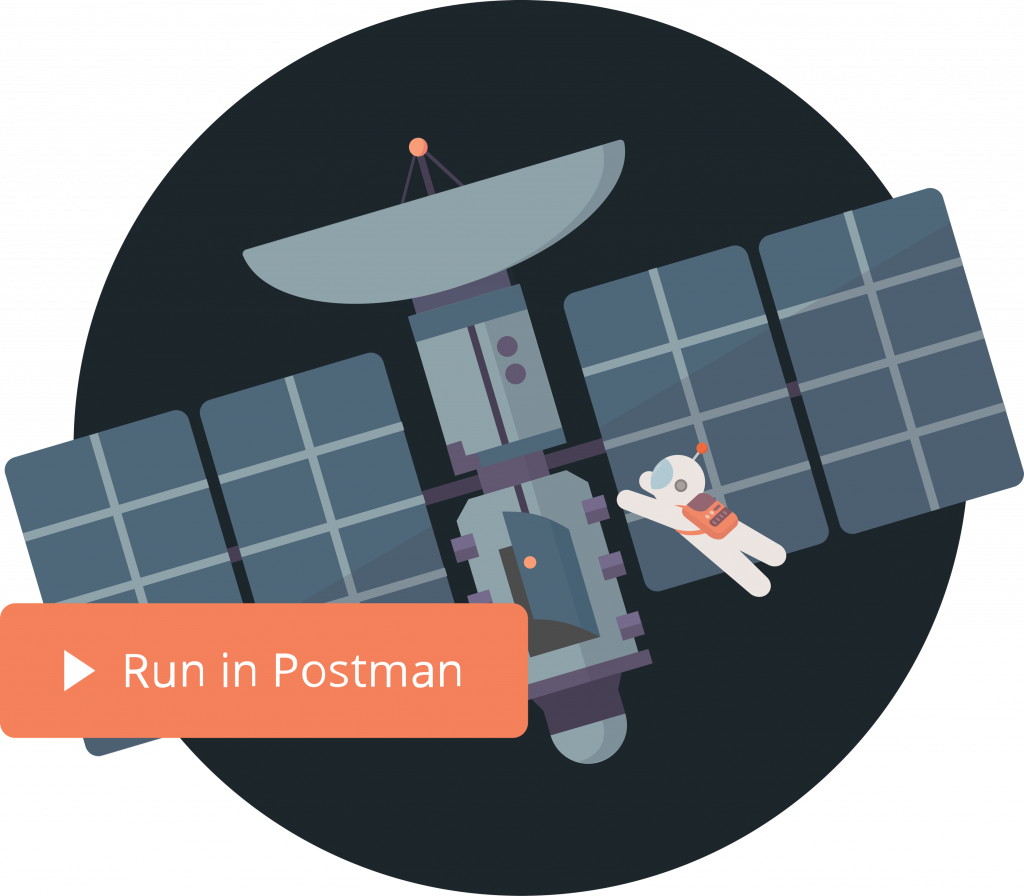
Introducing the All-New Run in Postman Button

Five years ago, Postman launched the Run in Postman button, which allowed publishers to embed collections in their own web pages and blogs, and enabled consumers to import a collection to get started with APIs in one click.
Since then, the Run in Postman button has helped millions of consumers use public APIs faster and more effectively. Today, we are excited to announce an all-new version of the Run in Postman button.
While the original Run in Postman button allowed users to import just a copy of the collection, you can now create a live Run in Postman button that allows consumers to “fork” your collection—creating a copy of the collection while maintaining a link to the parent collection. This brings in some really interesting benefits:
- All collections shared with the new Run in Postman button come with fork counts to help you and your consumers understand how the API is being used.
- As a consumer, you can contribute back to your original collections through public “pull requests.”
- The live Run in Postman button automatically stays updated with changes in the original collection, so your consumers always get the most recent version of your collection without publishers having to manually update the collection’s link.
You can also attach a linked environment with this new button, all to help consumers get set up and start making API calls even faster.
Try it out by forking the Postman API collection today:
We’re working on adding even more capabilities: consumers will soon be able to watch your collection while forking it, which will enable them to stay aware of changes in your API. They’ll also eventually be able to pull these changes to get the latest version of a collection they have previously forked. Stay tuned.





What do you think about this feature? Tell us in a comment below. You can also give product feedback through our Community forum and GitHub repository.