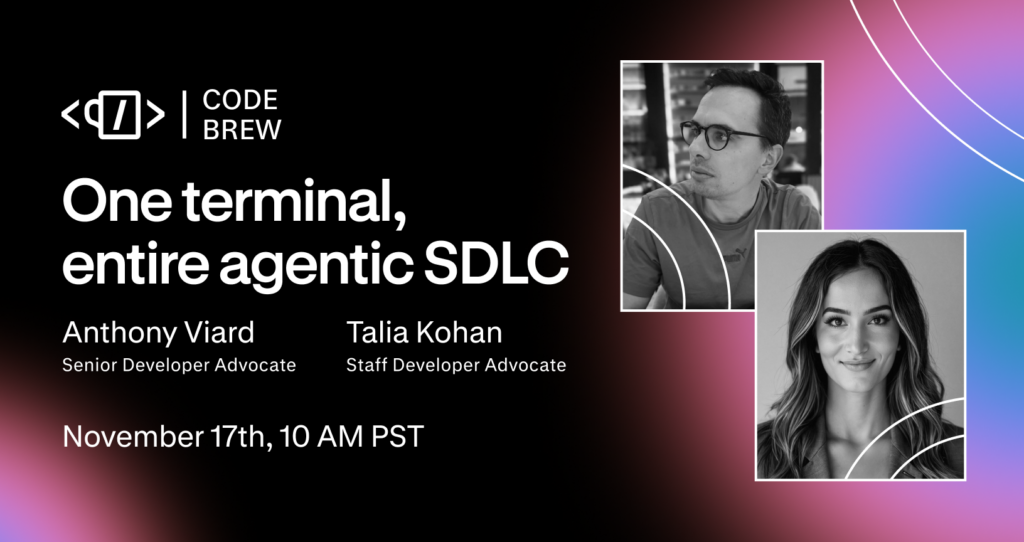
One Terminal, Entire Agentic SDLC: Live Nov 17 at 10 AM PST

On November 17 at 10:00 AM PT, Anthony Viard and I are running a 30-minute live webinar on closing those gaps without leaving your terminal. It’s called “One Terminal, Entire Agentic SDLC,” and the event page is on Luma.
We’ll work through one real change using the Postman plugin in a coding agent. We start with figuring out which APIs the change touches and end with checking that the finished integration works. Along the way, we cover three things:
- How to find dependencies outside your repository before your agent starts making changes, by giving it context about your other services. For a written example, Adding a New Service with the Context Graph and Claude Code adds a case management service to a healthcare app, and Claude finds the patient and provider services it depends on before writing any code.
- How to keep developing when the services you depend on aren’t available, by building against a simulation instead. Mocking Dependencies for Local Development covers a gateway service that calls DocuSign, PayPal, and Notion, and shows Claude mocking each one so you can run the service locally without credentials.
- How to carry your agent’s verification work into CI and monitoring, so the checks keep running after the session ends. Agentic SDLC with the Claude Code Plugin follows one API change through collection sync, schema linting, a mock, and a CI run on every push.
You’ll leave with prompts and a workflow you can run in your own project.
Who it’s for
This session is for you if you already write code with an agent and want more of your API workflow in the same terminal session. If you’ve asked an agent to change code that calls someone else’s API, you’ve hit the problems we’re covering.
Details
- When: Tuesday, November 17, 10:00 to 10:30 AM PT
- Where: Live on YouTube and LinkedIn
- Questions: Bring them to the Postman Discord community
Get set up before the session
If you want to follow along, install the Postman plugin ahead of time. You can install it for any coding agent, and this command adds it to every agent it detects on your machine. It needs Node.js 22 or later:
npx @postman/postman-plugin
To install for one agent only, add install --agent and the agent’s name. The plugin install docs list the supported agents.
If you want to run checks on your own machine afterward, install the Postman CLI too.
Bring a project that calls at least one API you don’t own. That’s where the workflow is most useful, and it gives you something real to point your agent at when the session ends.
Resources
- One Terminal, Entire Agentic SDLC on Luma
- One Terminal, Entire Agentic SDLC on LinkedIn
- Postman Discord community
- Use the Postman plugin for coding agents
- Announcing the Postman plugin for Claude Code
- Query the Context Graph with MCP
- The Postman CLI overview





What do you think about this topic? Tell us in a comment below.