Introducing Custom Domains for Postman Pro

Ever since Postman introduced public documentation for Postman Pro, we’ve seen a lot of feature requests from our customers. We are excited to announce you can now publish documentation on custom domains, and we plan to integrate custom domains even more deeply with our platform.
Here’s how I quickly set up public docs on my domain (docs.postman-echo.com).
Add a custom domain
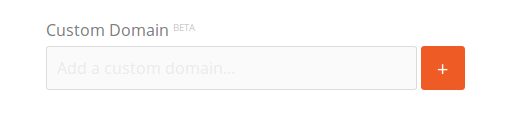
From the Postman web app, go to the edit view of the team tab. There is a new section for custom domains.
Add a custom domain by entering its name and hitting the “+” button.
Add domain info
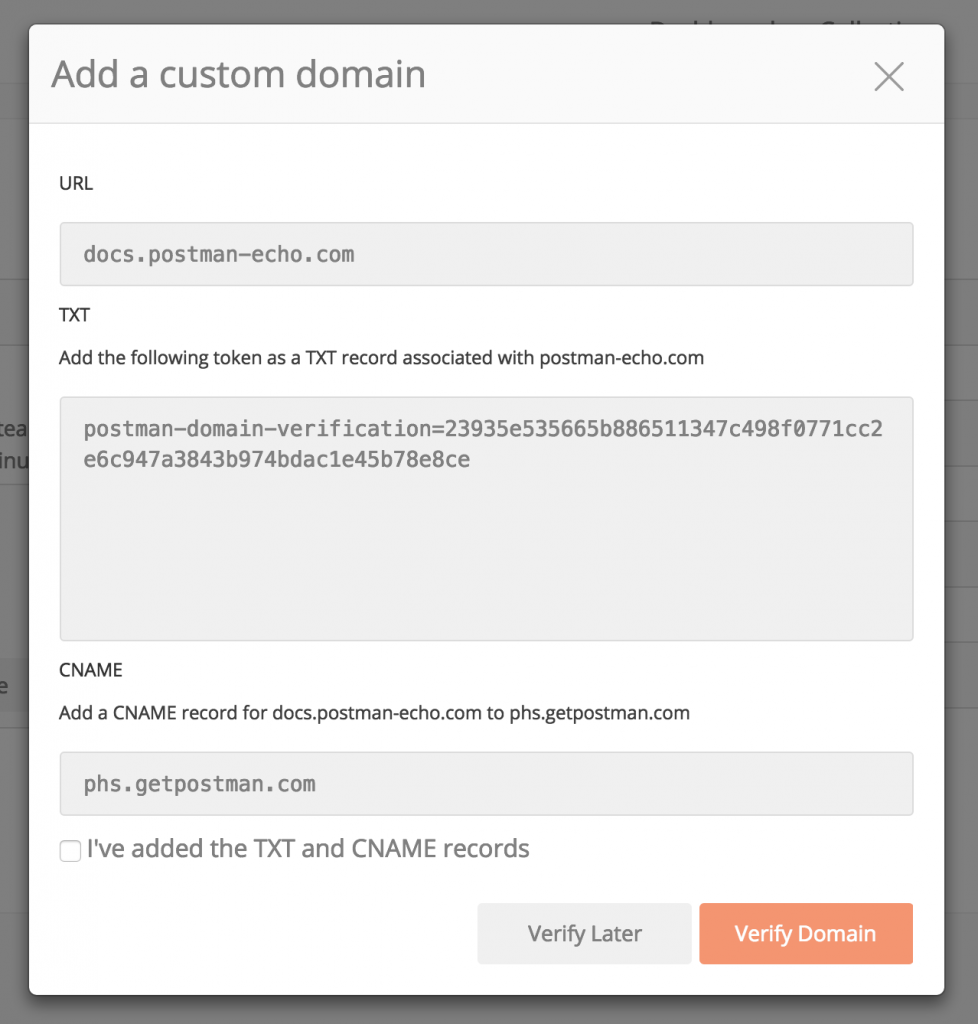
Adding a custom domain will open a modal. The important information is the “TXT” section and the “CNAME” section. In order to ensure that you are the owner of the domain you are entering, Postman requires that you add these provided tokens as DNS records to your domain.
Add DNS records
In my case, AWS Route 53 is my DNS web service provider. In a separate browser tab, go to the DNS provider’s console and add two new records.
- A TXT record for “postman-echo.com” which verifies the ownership of the domain. The value should be the same as the token shown in the modal.
- A CNAME record for “docs.postman-echo.com”, the value for which should be “phs.getpostman.com” as shown in the modal.
Verify Domain
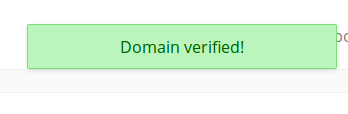
After adding the records in the DNS provider’s console, I return to the Postman web app. Check the box confirming that the TXT and CNAME records have been added, and then hit “Verify Domain”. If all goes well, I will see the green confirmation:
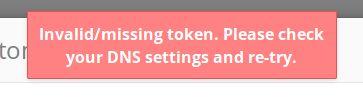
Sometimes, it takes time for your DNS settings to take effect, in which case, you’ll see the error message below. This is not a big deal, and you can just try again after some time.
Publish a Collection on the new custom domain
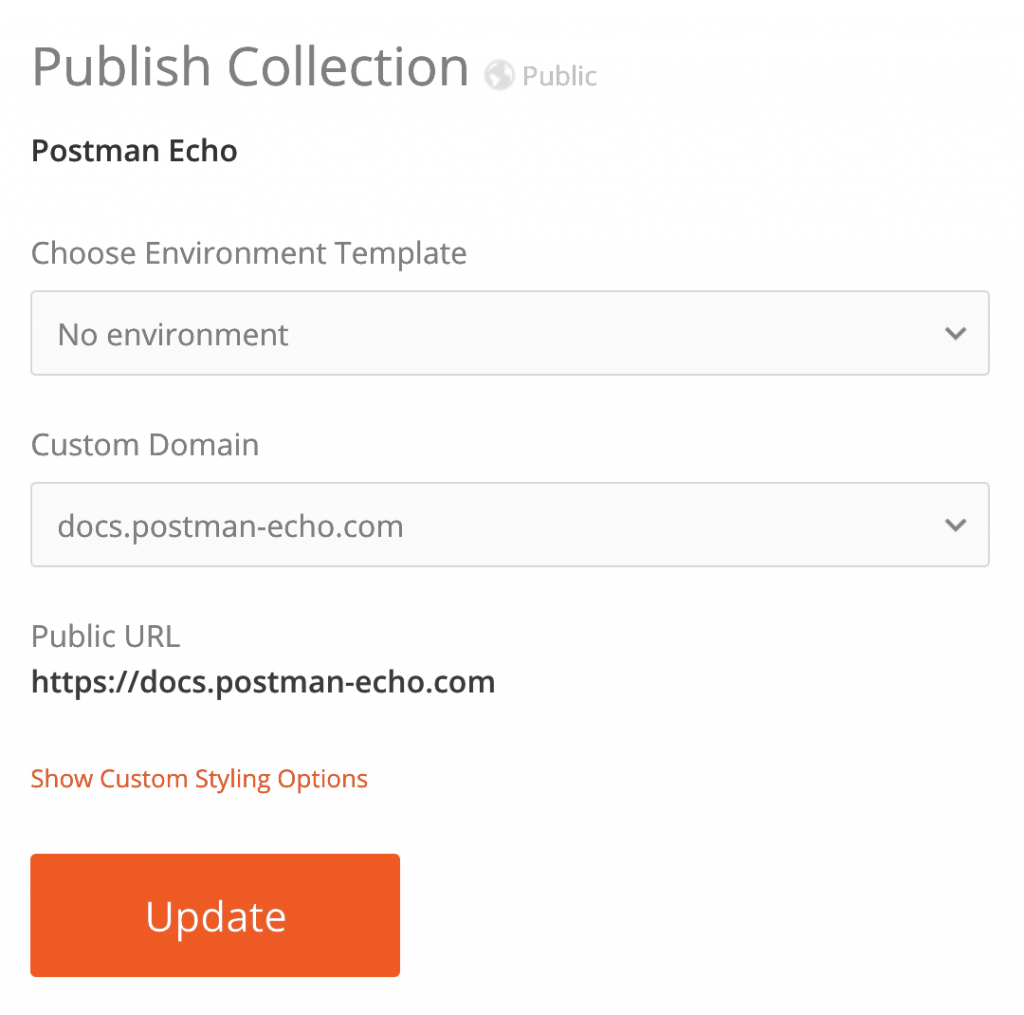
After the domain is verified, you can use this domain to publicly serve your API documentation. In my case, I have a demo Collection which I would like to publish, so I head over to the Postman dashboard and publish my Collection.
There is now a new option to select a custom domain:
After publishing, I can head over to my domain, and see the published documentation in all its glory!








Is this paid service, when adding custom domain ??, because when i am enter the custom domain tab its say You haven’t added any custom domains
you have the create by the custom domain