Postman Live Sessions for Pair Debugging APIs

You’ve been there. A request is failing in staging, your teammate has the local API running, and you’re both hunched over Zoom while one of you screen-shares Postman. “Click that header. No, the other one. Wait, go back. Can you paste the body again?” Twenty minutes in, you’ve fixed the bug and lost the will to live.
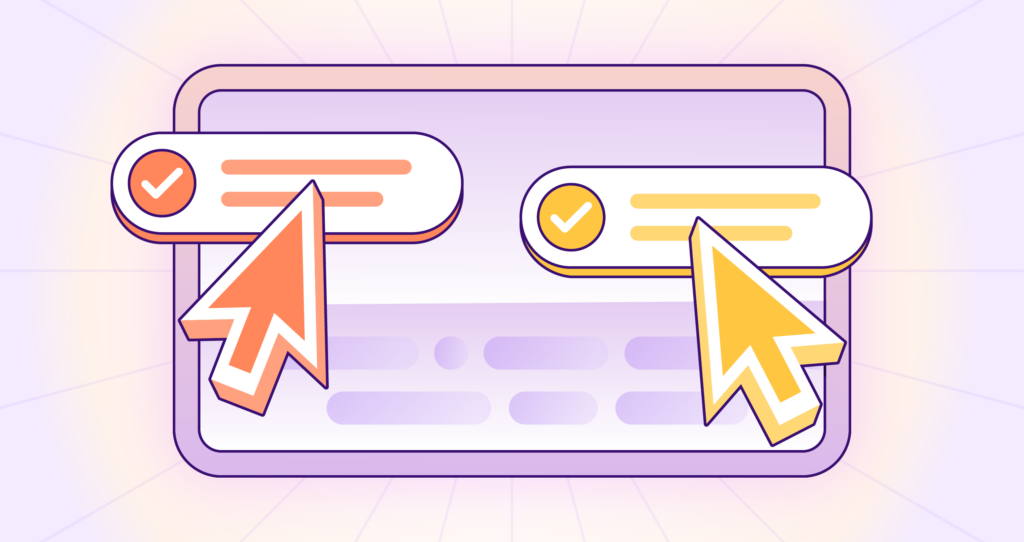
This is the problem Postman Live Sessions solve. Both people are inside the same Postman workspace, both can edit and see each other in real time, and one person’s local API gets hit by the other person’s requests without any port forwarding or proxy setup.
In this post, I’ll walk through how Live Sessions work, the host-machine execution model that makes them useful, and three patterns I use them for: onboarding new engineers, pair debugging local APIs, and walking external partners through an integration.
What a Live Session does
A Live Session lets you collaborate in real time on the contents of a Postman Collection. Both the host and any participants can:
- View the same collection, folder, and request at the same time
- See each other’s cursor and edits through color-coded initials in the workspace
- Send requests and view responses together
- Change request methods, parameters, headers, and bodies live
One thing to know upfront: requests run from the host’s machine, not the participant’s. That’s the design choice that makes Live Sessions useful, and it has implications. More on that next.
The feature works in internal workspaces for collaboration with your team. For collaboration with external partners, you need a Partner Workspace on the Postman Enterprise plan.
Start a session
There are two paths to start a session. Both produce a shareable link.
From the workspace header:
- Click Invite in the workspace header
- Select Start Live Session
- Copy the link and share it with your collaborator
From a specific collection, folder, or request:
- Open the item you want to collaborate on
- Click the Share button
- Select Start Live Session
- Copy the link
When the session is active, a Live indicator appears in the header showing who’s connected. Each participant gets a color-coded set of initials that follow them around the workspace, so you can see what they’re looking at and editing.
You and your collaborators each need at least Viewer permission on the collection. If you’re working with someone outside your team in a Partner Workspace, the same minimum applies, but the workspace must be in single-partner mode.
How the host machine model works
This is the part that took me a minute to fully understand, and once I did, the use cases clicked.
When anyone in a session sends a request, the request runs from the host’s machine. The host’s environment variables resolve. The host’s vault secrets are used. The host’s network stack is what makes the HTTP call.
That means if the host is running a local API on http://localhost:3000, a participant in the session can hit that API in real time. No tunneling, no ngrok, no port forwarding. The participant sees the requests resolve as if they were on the host’s machine.
Worth being explicit about the trade-off: participants can view the response body, headers, and status code. They can also view the resolved URL after variables are substituted. They cannot view the raw value of secret environment variables or Postman Local Vault entries, but anything those secrets unlock in the response body is visible.
Think about that before inviting people into a session that hits a production-like environment.
Use case 1: Onboard a new engineer
A 200-request collection with five folders, three environments, and a custom auth flow takes a new engineer days to understand. Reading a README isn’t the same as watching someone use the thing.
I’ll start a Live Session on the collection’s root, share the link, and walk through:
- The folder structure and what each folder is for
- The pre-request scripts that handle auth
- The test scripts that validate response schemas
- A few representative requests against staging
The new engineer can ask questions in voice while we both look at the same workspace, and they can also click around themselves to poke at things. They aren’t watching me drive. They’re driving alongside me.
Use case 2: Pair debug a local API
This is the killer feature for me. Suppose a teammate is building a new endpoint locally and it’s returning a 500. They’ve been staring at the response for an hour and don’t see the problem. I start a Live Session from my workspace, they join, and now:
- They run the failing request against their
http://localhost:3000 - I view the exact response body, headers, and status code
- I suggest tweaks to the request and we re-run together
- They pop into the request body and try variations while I watch
The 500 turns out to be a missing Content-Type header. We fix it in 3 minutes instead of 30.
POST http://localhost:3000/api/orders
Content-Type: application/json

{
  "items": [
    {"sku": "WIDGET-001", "quantity": 2}
  ],
  "customer_id": "cust_12345"
}
The response we needed to see was a clear 415 Unsupported Media Type with a validation message in the body. The teammate couldn’t see it on their end because they were running curl without -i. Once we ran the request through Postman in the session, the validation message was right there.
Use case 3: Walk a partner through an API integration
If your team has a Partner Workspace set up (Enterprise plan), you can start a Live Session there to walk an external developer through your API.
The host machine model is useful here too. The partner doesn’t need real production credentials. You hold the API keys in your environment, the requests run from your machine, and the partner observes the response shapes and behavior. When they hit production themselves later, they already know what to expect.
A few notes specific to partner sessions:
- The Partner Workspace must be in single-partner mode
- The partner needs at least Viewer permission on the collection
- Be deliberate about what’s in the workspace; treat it like a shared screen
Things to watch for
A few things I’ve learned the hard way:
Data shown in responses is shared with all participants. If you’re hitting an endpoint that returns PII, every participant views it. Postman’s docs flag this explicitly, but it’s worth repeating: think before inviting someone into a session that hits production.
Live Sessions sync HTTP collections only. Other Postman element types aren’t synced live. If you want to walk someone through a flow you’ve built in Postman Flows, screen-sharing is still your best option there.
Sessions end when the host closes the workspace. If you close the workspace tab or quit Postman, the session ends for everyone. Participants can leave without affecting others, but the host leaving kills the room.
Edits made during a session are real edits. This caught me off guard the first time. If a participant changes a request body during the session, that change persists in the collection. Live Sessions aren’t sandboxed. If you want a safe space, fork the collection into a personal workspace first, run the session on the fork, and merge changes back when you’re done.
Try it yourself
The fastest way to feel the difference is to start a session on a collection you already use:
- Open Postman and open any collection in an internal workspace
- Click Invite in the workspace header
- Select Start Live Session and copy the link
- Send the link to a teammate (they need at least Viewer permission on the collection)
- Ask them to send a request and watch it run from your machine
Run a few requests from both sides. Try editing a parameter from the participant’s side and watch it appear on yours. Once you have that feel for it, the pair-debugging use case follows naturally.
Resources
- Postman Live Sessions documentation
- Collaborate in Postman overview
- Internal workspaces
- Partner Workspaces overview
- Postman Local Vault
- Postman pricing and plans




What do you think about this topic? Tell us in a comment below.